




Where browsers break
Your Customers Press Back. So Does Pie.
Catch what only shows up in a browser, like Back, refresh and an old link. Each bug here came from a real Pie run.
Should happenYou stay on the sign-in page.
What happenedThe signed-in dashboard came back.
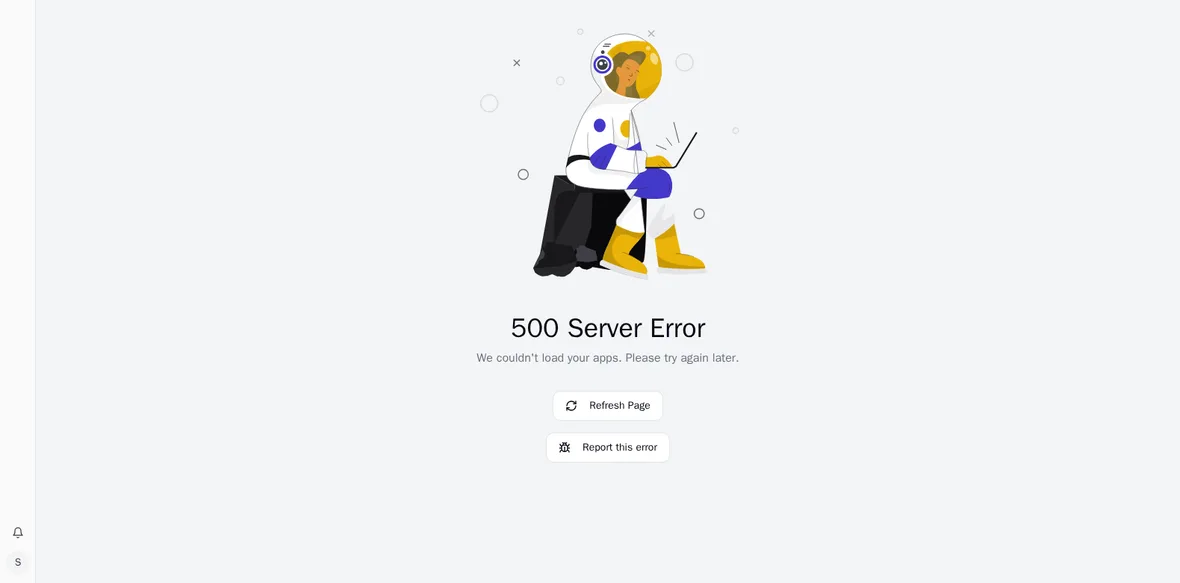
Should happenThe same page comes back.
What happenedA 500 Server Error, blaming “your apps”.
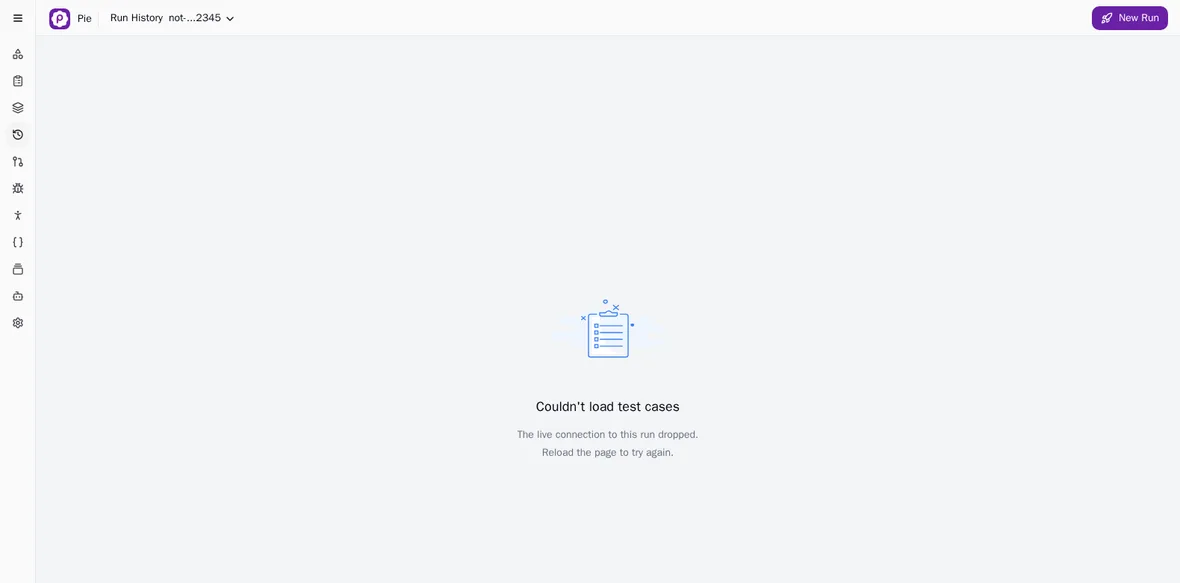
Should happenA clear page-not-found.
What happened“Reload the page to try again.” No reload fixes a link that’s gone.
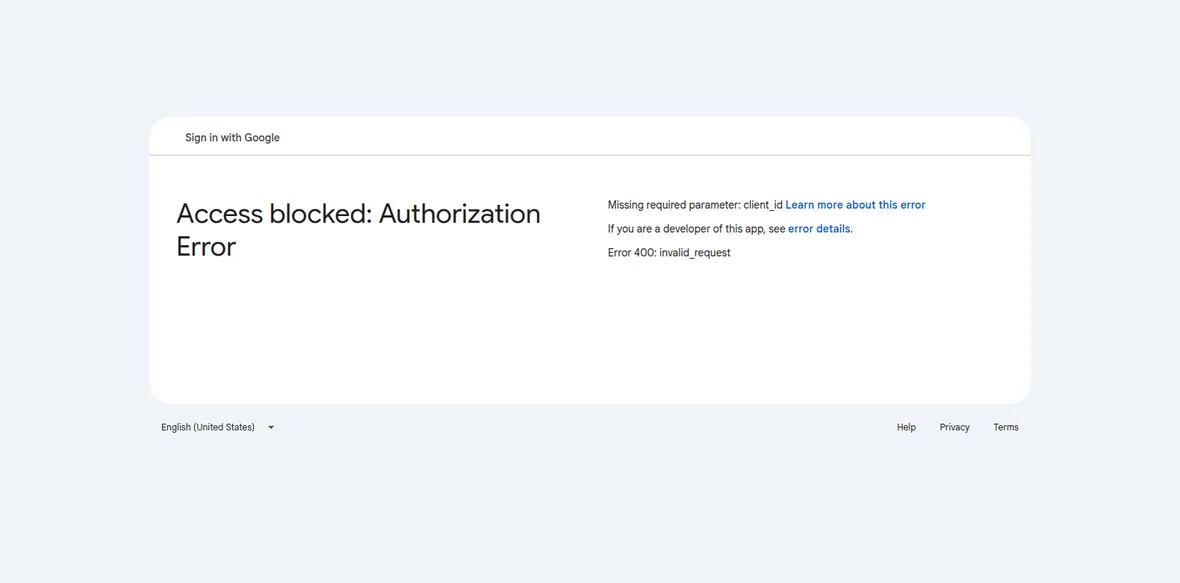
Should happenGoogle’s account picker opens.
What happened“Access blocked.” A missing client ID stopped it at the first step.
Two of the four came from previews of our own app. Pie caught them there. Say what your customers do in a sentence, and Pie drafts the test.
Your pipeline
Ten Deploys a Week. You Can Click Through Two.
Stop picking which deploy gets checked. Your deploy script calls Pie, a suite runs, and your team reads what broke. Put in your numbers to see what the clicking costs.
- deploys a week nobody clicks through
- 8
- hours a week to click through them all
- 40
- what those hours would cost a year
- $135,200
Book a demo → We’ll walk through your numbers with you.
What Pie needs
No SDK. No Source Code. Just a URL and a Login.
Your web app is already running, so Pie starts where your customers do. It signs in, explores what it can reach and writes tests your team can read.
-
Your URL
Staging, a preview or any address Pie can reach from the internet.
-
A Test Login
Pie signs in with the account you pick. Logins reach Pie’s agents only while a test runs.
-
Your Test Cases, If You Have Them
We import the cases you run today, and your team confirms each one.

Pie Explores Your App
It finds the key features and writes tests under each.
Your tests
Your Team Confirms Them
Plain English, no scripts. Then run them at the screen size you pick.
DesktopLaptopTabletMobile
In the browser
What Pie Takes. What It Leaves.
See what comes off your team’s plate. For the few jobs Pie leaves, use a tool built for them.
A Pie test can
Sign In With Your Test Login
With a fixed test code when two-factor is on.
Fill Forms and Upload Files
Through your page’s own file inputs.
Go Back, Refresh and Follow Links
The way your customers do.
Read What’s on the Page
The rows, names and messages you ask it to check.
Work Through a Pop-Up or Layout Shift
And carry on with the test.
Run at the Size You Pick
Desktop, Laptop, Tablet or Mobile, set per suite.
Another tool wins
Load and Performance
Use k6 or JMeter.
Security and Penetration Testing
Use Burp Suite.
Every Browser and Version
Use a device cloud.
The basics
New to Web App Testing? Start Here.
Get up to speed in eight short answers, from what it is to which tools to use. The guides go deeper.
Web app testing checks that an app running in a browser does what your customers expect. Pages load, forms submit, sign-in holds and payments go through.
A web app is harder to test than a brochure site because it keeps state. Who’s signed in, what’s in the cart and what the last page saved all change what the next page shows. Refresh or press Back and that state can break.
Functional testing checks each feature against what it should do. End-to-end testing walks a whole journey. Regression testing re-checks what already worked, and smoke testing asks whether a new deploy works at all.
Non-functional testing covers how the app behaves under the hood, such as speed, security and accessibility. Pie takes on the first group.
Start with the flows that cost you most when they break. Run them on staging or a preview, signed in as a test user. Use the app like a customer, including Back, refresh and wrong input. Write down what should have happened and what did.
That works by hand until you deploy more than a few times a week. Then the repeat checks need to run without someone starting them.
Sign-in, payments and whatever your customers pay you for. Add every bug you’ve already shipped once, so it can’t come back unnoticed.
We have step-by-step guides for sign-in with SSO, checkout, long forms, search and error handling.
A web app runs at a URL, so there’s nothing to install and you can deploy many times a day. A mobile app ships as a build, and you’re testing two platforms and the screens each one runs on.
Pie tests a web app from its URL, iOS apps on the iOS Simulator (a simulator .app build) and Android apps on the Android Emulator (an .apk). Our mobile app testing guide goes further.
Automate the repeat checks and keep the judgment with people. By hand there’s no setup, but it takes someone’s week and it can’t keep up with frequent deploys.
Playwright, Cypress and Selenium are free and exact, and your engineers write the scripts and repair them when the UI moves. An agent like Pie runs tests written in plain English, with no locators to break.
Selenium, Playwright and Cypress run scripted browser tests. Device clouds give you many browsers and devices to run them on. k6 and JMeter test load, and Burp Suite tests security. Agents like Pie use the app from a plain-English test.
Our list of test automation tools compares them.
Check your analytics and test the browsers your customers use, not every browser there is. Run your critical flows at a desktop size and a phone size, because menus and forms often change shape between them.
A device cloud covers the widest range. In Pie, you run each suite at Desktop, Laptop, Tablet or Mobile size.
Security
Yes, Security Will Ask. Here’s What to Tell Them.
- You Don’t Have to Share Your Code.Testing from a URL takes a test login, not your repository. Connect one when you want pull request testing or Fix PRs.
- We Never Use Your Source Code to Train AI Models.Source code here means the files and code changes in your repositories.
- Logins Reach Pie’s Agents Only While a Test Runs.You keep them in Pie’s credential settings.
- Pie Has a SOC 2 Type 2 Report.Our most recent report is available on request. Data is encrypted in transit.