Sauce Labs vs BrowserStack: Which Should You Choose in 2026?
Sauce Labs vs BrowserStack compared on device coverage, frameworks, debugging, and pricing at scale, plus the AI features each vendor shipped in 2025-26.

The Sauce Labs vs BrowserStack question usually arrives with a deadline attached. A renewal quote lands, a Safari bug reaches production, or the self-hosted Selenium Grid stops keeping up with the pull request queue. Either way, you need somewhere to run your suite across the browsers and devices your users actually have.
Sauce Labs and BrowserStack both handle that well. They are the two most established clouds in the category, they rate 4.3/5 or better on G2, and either one beats maintaining your own device lab. What separates them is narrower than the debate suggests, and most of it traces back to what each company built first.
This guide compares them on the four dimensions that decide the purchase, then looks at the cost neither one competes on. The short answer comes first.
What you’ll learn
- What actually separates Sauce Labs and BrowserStack, with real ratings and pricing
- How they compare on device coverage, framework support, debugging, and pricing at scale
- What each vendor’s new AI authoring features actually change, and what they don’t
- When to choose Sauce Labs, BrowserStack, or neither
Sauce Labs vs BrowserStack: The Quick Answer
Neither platform is objectively better. They run automated and manual tests across a large matrix of browsers and devices, and they win on different priorities.
BrowserStack is the stronger default when real-device breadth and fast, interactive live testing matter most. Sauce Labs fits better when Selenium heritage, enterprise analytics, and a lower entry price carry more weight.
Here is where each one leans.
| If you care most about… | Lean Sauce Labs | Lean BrowserStack |
|---|---|---|
| Real-device breadth | Real devices, plus a deep emulator/simulator bench | 30,000+ real devices, the widest fleet in the category |
| Live manual testing | Capable, automation-first feel | Fast, frictionless, a core strength |
| Selenium / Appium heritage | Built on it (co-founded by Selenium’s creator) | Full support, not its origin |
| Entry pricing | From $39/month (Live Testing) | From $39/month (Desktop & Mobile) |
| Cross-run analytics | Mature, enterprise-focused | Present, debugging-loop focused |
| Review ratings | 4.3/5 on G2, 4.4/5 on Capterra | 4.4/5 on G2, 4.6/5 on Capterra |
Neither is a test-authoring tool. They are infrastructure providers that run the suite you bring, and each now helps you write it. Keep that in mind for the pricing section.
How We Compared Sauce Labs and BrowserStack
Here is the basis for the comparison, so you can check the work.
- Sources. Each vendor’s own product and pricing pages, current G2 and Capterra ratings, and public reporting on both platforms’ 2025 and 2026 AI releases, checked August 2026.
- What we weighted. Device and browser coverage, automation framework support, debugging and analytics, and pricing at scale.
- What we skipped. Raw feature counts. The two platforms have converged on a near-identical surface, so counting features separates nothing.
- Scored separately. Test authoring and maintenance, which neither platform competes on directly, gets its own section below.
Sauce Labs and BrowserStack at a Glance
Sauce Labs
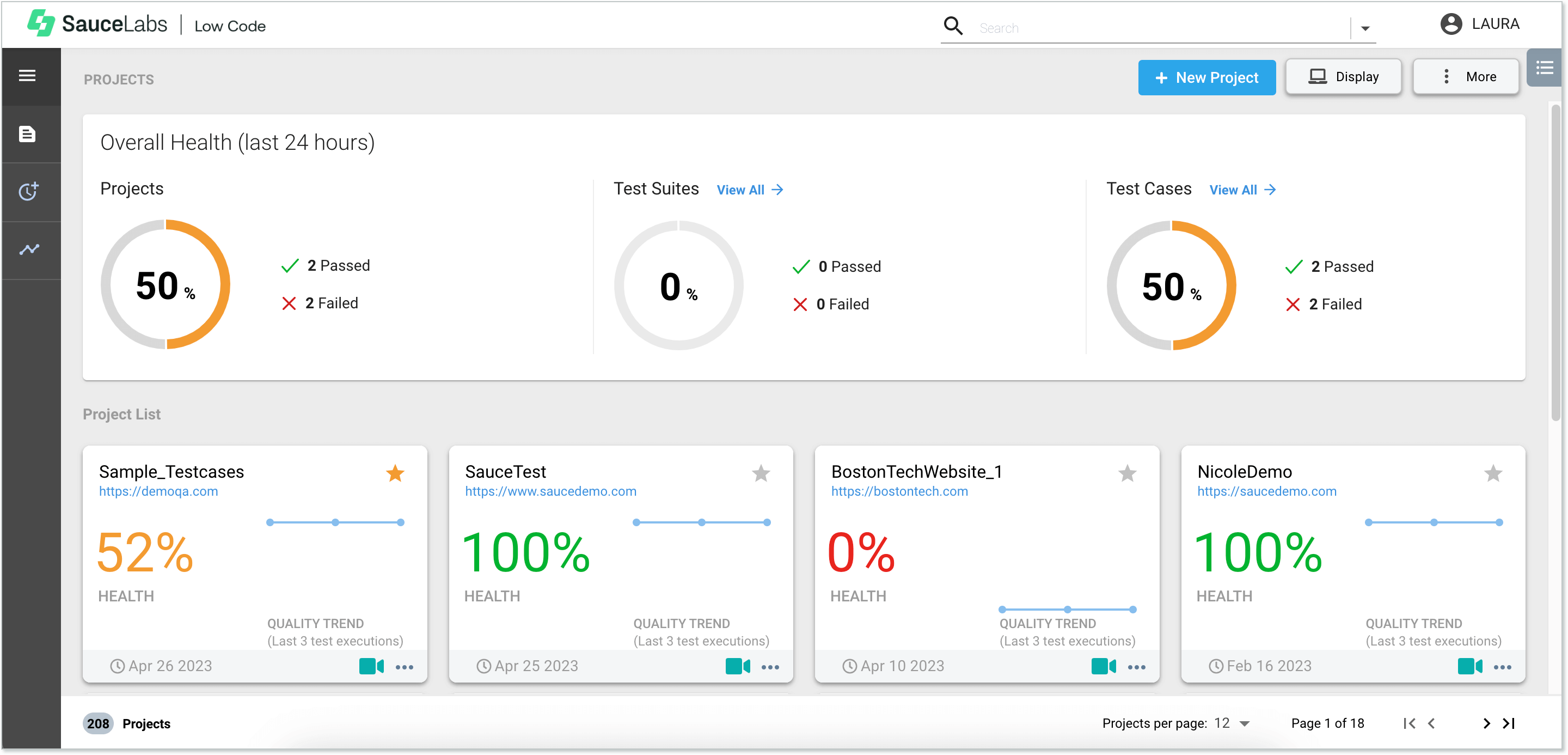
Sauce Labs launched in 2008, co-founded by Jason Huggins, the creator of Selenium, and that lineage still shapes the product. It is built around running Selenium and Appium automation at scale, with enterprise analytics layered on top.
In 2026 it added its own AI authoring layer, Sauce AI for Test Authoring, live since March, which turns a prompt, a Jira ticket, or a Figma file into a runnable test suite and adjusts the result automatically when paired with its self-healing companion feature.
Rating: 4.3/5 from around 180 reviews on G2; 4.4/5 from a smaller pool of 32 reviews on Capterra.
Key features:
- Real device cloud plus a deep bench of emulators and simulators for fast, cheap parallel runs
- Sauce AI for Test Authoring turns natural language, Jira tickets, or Figma files into runnable tests
- Cross-run analytics that surface where flakiness concentrates across thousands of runs
Pros:
- Broad real-device and cross-browser coverage without owning hardware
- Deep CI/CD and framework integration built on years of Selenium and Appium heritage
Cons:
- Reviewers cite slow execution and flaky real-device sessions at peak load
- Pricing and support responsiveness are the most common complaints once teams scale past the entry tier
Pricing: Live Testing from $39/month (billed annually); Virtual Device Cloud from $149/month; Real Device Cloud from $199/month; enterprise plans with Sauce AI included are quote-gated. Verify current tiers directly with Sauce Labs, since plans change.
Best for: Teams with an existing Selenium or Appium investment who want mature analytics and are comfortable with enterprise pricing at scale.
Not for: Small teams who find the jump from Live Testing to Real Device Cloud pricing steep, or anyone whose real bottleneck is authoring and maintaining tests rather than running them.
BrowserStack
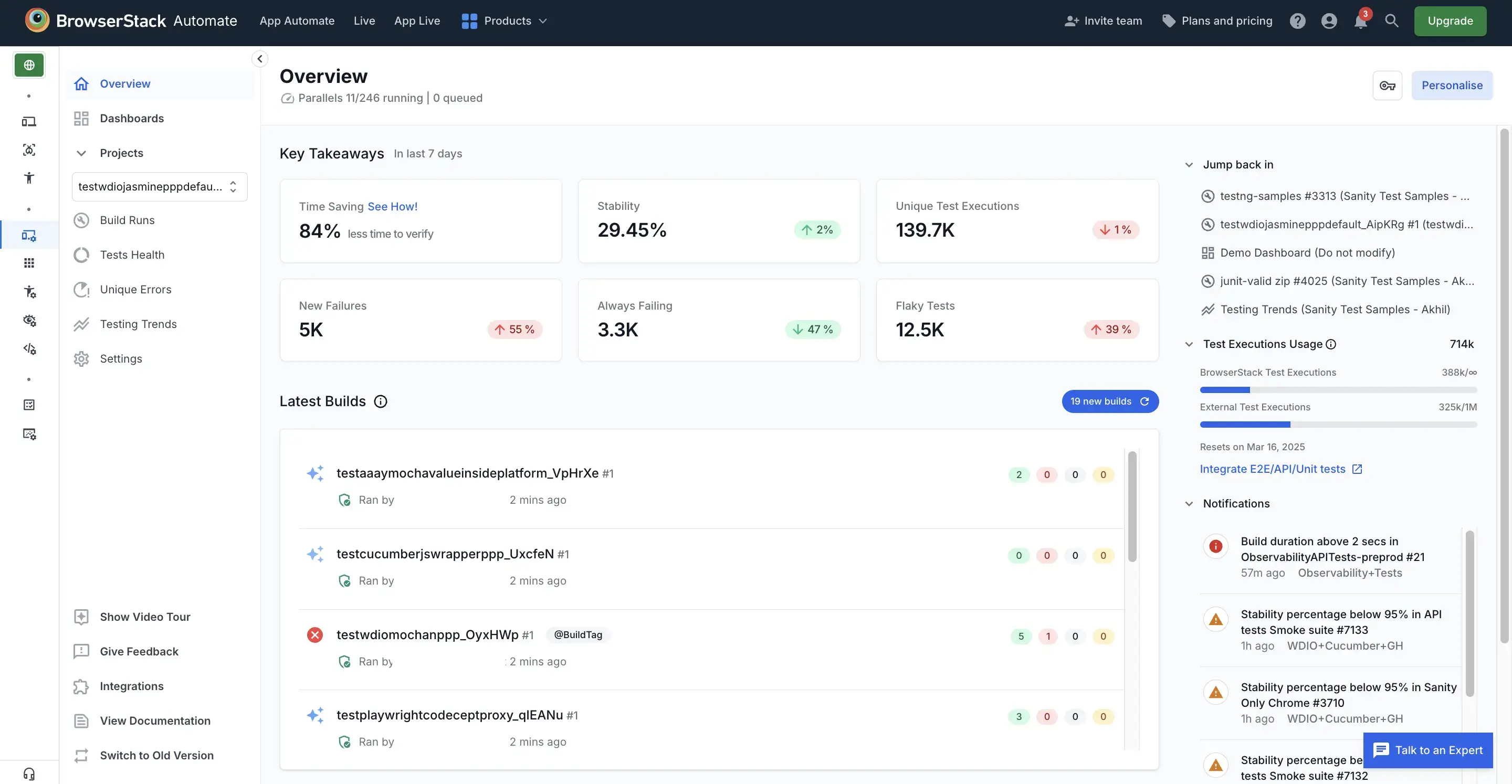
BrowserStack launched in 2011, founded by Ritesh Arora and Nakul Aggarwal out of Mumbai, and built its name on the size and immediacy of its real-device cloud rather than Selenium roots. It now advertises more than 30,000 real devices and 3,500 real browser combinations, the widest fleet in the category.
In November 2025 it shipped a Self-Healing Agent that auto-detects and repairs broken locators across Selenium, Playwright, and Appium, alongside a Low-Code Authoring Agent that claims up to 10x faster test creation from natural language. These are real additions to the authoring workflow.
Rating: 4.4/5 from more than 3,300 reviews on G2; 4.6/5 from 775 reviews on Capterra.
Key features:
- 30,000+ real devices and 3,500+ browser combinations, the category’s widest fleet
- Self-Healing Agent (GA November 2025) auto-repairs broken locators across Selenium, Playwright, and Appium
- Low-Code Authoring Agent generates tests from natural language, claimed up to 10x faster than hand-scripting
Pros:
- The largest real-device fleet in the category, with a fast, frictionless live-testing experience
- Responsive support and mature integrations across every major CI/CD pipeline
Cons:
- Reviewers cite cost at scale as the top complaint, especially parallel-session add-ons for smaller teams
- Session startup lag and device availability at peak hours show up repeatedly in reviews
Pricing: Live from $39/month (Desktop & Mobile, billed annually), with team plans from $150 to $375/month for 5+ users; Automate from $59/month (Chrome only) to $225/month (Desktop & Mobile Pro); enterprise volume is quote-gated. Verify current tiers directly with BrowserStack, since plans change.
Best for: Teams whose users sit on a fragmented device landscape and need the deepest real-device matrix, or enterprises that weigh vendor track record heavily.
Not for: Budget-constrained teams running a narrow browser matrix, where most of the fleet you are paying for goes unused.
Which Has Better Device and Browser Coverage?
BrowserStack leads on sheer breadth, the area it has invested in most since 2011. Its fleet of 30,000+ real devices and 3,500+ browser combinations covers older OS versions and a long tail of physical phones and tablets, which matters when your users sit on a fragmented Android install base.
Sauce Labs runs real devices too, backed by a deeper bench of emulators and simulators. That split is the actual decision.
- Emulators and simulators start instantly and cost less, which suits the bulk of regression runs.
- Real devices catch the hardware-specific issues that virtualization misses, from sensors to real touch behavior.
Each vendor supports both modes, so the question is which one you reach for by default. Testing a consumer app across long-tail Android hardware favors BrowserStack’s fleet depth. Running thousands of fast browser checks per pull request, where a virtual environment is good enough, favors Sauce Labs’ emulator bench.
BrowserStack for real-device breadth, especially on fragmented Android. Sauce Labs if most of your runs are fine on virtual devices and you want them cheap and fast. Each vendor covers real and virtual devices, so this is really about which one you default to.
Which Works Better With Your Automation Framework?
Every major automation framework runs on either platform, so compatibility rarely decides this on its own. Sauce Labs, given its Selenium origins, has long been a natural home for Selenium and Appium suites. BrowserStack covers Selenium, Appium, Playwright, Cypress, Espresso, and XCUITest across its Automate and App Automate products.
Each vendor shipped an AI authoring layer in the last year. Sauce AI for Test Authoring turns a prompt into a runnable suite. BrowserStack’s Low-Code Authoring Agent claims up to 10x faster test creation, paired with a Self-Healing Agent that patches broken locators automatically. These are real improvements to a slow, manual job.
What comes out is still a locator-based script. The selector does not go away, it just gets written and repaired faster. Most failures trace back to a selector coupled to a changing UI, not to the environment the test runs in.
Close to a tie. Selenium, Appium, Playwright, Cypress, Espresso, and XCUITest all run on either platform, and each now generates tests from a prompt. Sauce Labs edges it only if your team is already deep in Selenium tooling.
Which Gives You Better Debugging and Analytics?
Sauce Labs has historically had the edge in automation analytics and failure diagnostics, reflecting its enterprise focus. BrowserStack wins on the immediacy of interactive debugging. Each captures what you need to diagnose a failed run, including video, screenshots, console logs, and network logs for every session.
The difference is aggregate versus specific. Sauce Labs surfaces which tests fail most often and where flakiness concentrates across thousands of runs, which is what a QA lead needs to decide where engineering time goes. BrowserStack is built for reproducing a bug live on the exact device and browser where it appeared, then switching straight to automation on the same fleet.
Sauce Labs for cross-run analytics that show where flakiness concentrates. BrowserStack for reproducing a specific failure fast on the exact device it appeared on. Pick by whether your bottleneck is triage or diagnosis.
How Do They Compare on Pricing at Scale?
Pricing runs by parallel session rather than a flat seat fee, and the entry tier is exactly $39 a month on either platform. Sauce Labs’ Live Testing plan and BrowserStack’s Desktop & Mobile plan land on the identical number.
Past the entry tier they diverge. Sauce Labs’ Real Device Cloud starts at $199/month, BrowserStack’s Automate plans run $59 to $225/month before enterprise pricing, and both vendors gate their AI agents and volume discounts behind a custom quote.
The compute bill is the visible half. Capgemini’s 2025-26 World Quality Report found 50% of organizations cite maintenance burden and flaky scripts as a test-automation challenge, and that cost lands in engineering hours whichever grid runs the tests. Our test maintenance cost calculator puts a number on it for your suite.
Identical at the entry tier, $39 a month either way. Past that, Sauce Labs is cheaper for virtual-device volume and BrowserStack’s Automate tiers scale more gradually before enterprise pricing. Get quotes from each, since the AI features sit behind them.
Sauce Labs vs BrowserStack vs Autonomous Testing
Comparing Sauce Labs and BrowserStack only against each other hides the larger trend. Each is an execution grid that now ships an AI layer on top of the selector model, and a third category, autonomous, vision-based testing, targets the part of the cost neither one touches. The table below puts all three side by side.
| Dimension | Sauce Labs | BrowserStack | Autonomous (Pie) |
|---|---|---|---|
| Category | Cloud test grid (automation-first) | Cloud test grid (device-cloud-first) | Autonomous QA platform |
| Heritage | Selenium roots, founded 2008 | Real device cloud, founded 2011 | Vision-based AI agents |
| Device coverage | Real devices + emulators/simulators | 30,000+ real devices, 3,500+ combos | Web + native iOS/Android on simulators and emulators |
| AI authoring | Sauce AI for Test Authoring (prompt to script) | Low-Code Authoring Agent (prompt to script) | Autonomous discovery, no script, ever |
| Survives a UI redesign | Self-healing patches the locator | Self-Healing Agent patches the locator | Vision re-identifies the element, no locator to patch |
| Breaks when | Selector / DOM changes | Selector / DOM changes | User-facing behavior changes |
| Pricing model | Parallel sessions, from $39/mo | Parallel sessions, from $39/mo | Platform subscription, contact for pricing |
The first three rows are where Sauce Labs and BrowserStack genuinely compete, and each improved on row four in the last year. Row five is where the real gap still sits. A patched locator is still a locator. Remove it, and there is nothing left for the next redesign to break.
When Should You Choose Sauce Labs, BrowserStack, or Neither?
Choose BrowserStack when real-device breadth and a fast, interactive live-testing experience are the priority, which is common for consumer-facing apps on a fragmented device base. Choose Sauce Labs when Selenium heritage, enterprise analytics, and a lower entry price matter more.
In plainer terms:
- Pick BrowserStack if you need the widest spread of real physical devices, your testers do a lot of manual exploratory work on specific hardware, or you want the smoothest on-ramp from live testing into automation.
- Pick Sauce Labs if your suite is Selenium- or Appium-heavy, you want mature cross-run analytics, or you are standardizing automation infrastructure org-wide.
- Pick neither if the real problem is not where your tests run but how much of your sprint goes to fixing them. A grid, even one with an AI agent on top, does not touch that.
If you are shopping cloud grids because the suite has grown slow and painful, separate the two causes first. A grid fixes execution speed. Only changing what a test is bound to fixes maintenance load.
For a wider field of options beyond these two, our guide to BrowserStack alternatives covers eight, including where an autonomous platform fits. If TestMu (formerly LambdaTest) is on the list too, see how TestMu AI compares with Sauce Labs.
Where Pie Fits: The Grid Isn’t the Bottleneck
Pie sits outside the grid category entirely. It writes and maintains tests without binding them to a selector, so a UI change stops translating into a broken suite and a frantic patch cycle, AI-assisted or not.
We did not start there. Early versions leaned on better selectors, then XPath, then data-testid attributes threaded through the whole app. Each approach broke on a different kind of UI change, and the last one needed developers to annotate the app by hand before a single test could run.
So we asked how a human actually tests. Someone looks at the screen, sees the “Sign In” button, and taps it. No selector required. Vision-based execution works the same way.
Three capabilities come out of that:
- Autonomous discovery explores your app, maps the real user flows, and prioritizes the high-risk ones, auth, checkout, anything tied to revenue, generating the suite without anyone hand-writing a script.
- Self-healing, vision-based execution identifies elements by what a user sees, shape, label, position, rather than a CSS path or accessibility ID. When a class renames or a layout shifts, the test re-identifies the element instead of needing a patch.
- Cross-platform reach runs one behavior-based definition across web and native iOS and Android on simulators and emulators, with the infrastructure handled for you.
Fi, a Pie customer, cut manual testing effort by 75% and now moves from a release candidate to fully tested in a few hours, down from two to three days.
“The time between having a release candidate ready and being fully tested has gone from two to three days to a few hours.”
— Philip Hubert, Director of Mobile Engineering, Fi (the Fitbit for pets)
Pie is not a drop-in replacement for every Sauce Labs or BrowserStack use case, and it should not pretend to be. If you have a large existing Selenium suite and only need somewhere to run it across more browsers, or you need hardware-specific behavior on physical phones, a grid is the right tool. But if you are renting a grid mainly to run a suite that breaks every redesign and eats your engineers’ weeks, even a self-healing grid is treating the symptom. Pie targets the cause.
Skip the Grid. Skip the Scripts.
Get a suite that maps and runs itself. No selectors to write, no session queue.
Book a DemoPick a Grid in an Afternoon
BrowserStack is the safer default when device breadth and live testing lead your requirements. Sauce Labs is the stronger fit for Selenium-heavy teams that want deep analytics at a lower entry price. Either is a mature choice that beats running your own device lab.
The grid decides how fast and how broadly your suite runs. It does not decide how often that suite breaks.
If you would rather stop maintaining selectors, look for an autonomous QA platform that adapts to what the user sees.
Stop Paying to Run Broken Tests Faster
Get tests that adapt when your UI does. Ship without babysitting the suite.
Book a DemoFrequently Asked Questions
Neither is universally better. They win on different priorities. BrowserStack is the stronger default for breadth of real devices, over 30,000 in its fleet, and the smoothest live, interactive testing experience. Sauce Labs has deeper Selenium heritage, mature enterprise analytics, and a lower entry price.
Both rate similarly well on review sites, BrowserStack at 4.4/5 on G2 and Sauce Labs at 4.3/5, so the decision comes down to device coverage versus analytics depth and existing Selenium investment.
Each is a cloud platform that gives you browsers and devices to run your tests on, but their centers of gravity differ. BrowserStack is built around the largest real-device cloud in the category and a polished live-testing experience. Sauce Labs grew out of the Selenium project and emphasizes automation infrastructure, error reporting, and enterprise analytics.
Both still require you to supply the test logic, whether you write it by hand or generate it with their AI agents.
Partly, and with a catch. Sauce AI for Test Authoring and BrowserStack's Low-Code Authoring Agent both turn a prompt into a runnable test, and BrowserStack's Self-Healing Agent will patch a broken locator automatically.
The output is still a script bound to a selector. When the UI changes enough, that selector still breaks, and someone still reviews the fix. Neither platform removes the maintenance loop. They make it faster to run.
Yes. Each platform, and its AI agent, still runs and repairs the tests you or the AI wrote, so a redesign or a renamed element can still need a human review even when the first-pass fix is auto-generated.
Test maintenance stays one of the heaviest line items in an automation budget. Capgemini's 2025-26 World Quality Report found 50% of organizations cite maintenance burden and flaky scripts as a test-automation challenge, and a faster grid does not change which side of that number you land on.
Not for every use case. Pie runs on simulators and emulators rather than a physical device fleet, so if you need hardware-specific behavior across a long tail of real phones, a grid remains the right tool.
Pie targets the other half of the problem, discovering your flows, generating the suite, and re-identifying elements by what a user sees, so a UI change stops turning into a locator to patch.
Eight years building search and delivery systems at Amazon. The kind of scale where flaky tests block billion-dollar releases. Now CTO at Pie, building AI agents that adapt when your UI changes. LinkedIn →