What Is a Test Environment? Types, Setup, and Why Tests Flake
The same test can pass on a laptop and fail in CI. Here's what a test environment is, the types teams run, and how to keep one close to production.

A test passes on your laptop. The same test, same commit, fails in CI ten minutes later. Nobody touched the code, so someone hits rerun, the build goes green, and the failure gets filed under flaky.
Often the test was fine and something under it moved, like a slower runner, a database an earlier run left dirty, or a service one version ahead. In a study of 52 Java, JavaScript and Python projects, 46.5% of the flaky tests turned out to pass or fail with the CPU and memory they were given. Change the machine and the verdict changes with it.
What you’ll learn
- What a test environment is made of, and how it differs from staging, UAT and production
- Seven types of test environments and the failure each one exists to catch
- Why the same test gets different results in different environments
- How to set up, reset and manage environments so drift doesn’t pile up
What Is a Test Environment?
A test environment is the setup of hardware, software, network configuration and test data where you run tests before code reaches real users. Its job is to behave enough like production that a passing test means something. Production is where your customers meet your software. A test environment is where you meet it first, on purpose.
Every test environment has four parts:
- Hardware: The physical or virtual machines the app and the tests run on, CI runners included.
- Software: The operating system, runtime, database engine, browsers and every dependency your app expects, each at a specific version.
- Network: Bandwidth, latency, firewalls, and the endpoints of every service your app calls.
- Test data: The seeded records the tests read and write, plus the test accounts they log in as.
Match all four to production and a result carries over. Miss one and the result is true about your environment and false about the one your users live in. Data is the easiest part to lose, because every test run changes it.
7 Types of Test Environments, From Laptop to Production
Test environments form a pipeline from the developer’s machine to production, and each step trades speed for realism. Dev is where anything goes. Staging is where a build sits for a while before it earns promotion to production. Early environments are fast and forgiving, and late ones are slow and strict, because they’re the last cheap place to catch a bug before a customer does.
| Environment | Purpose | Who uses it | Mirrors production? | Failure it exists to catch |
|---|---|---|---|---|
| Development (Dev) | Write code, run quick local checks | Developers | No, mock data and shortcuts | Obvious breakage before commit |
| QA / Testing | Run automated and manual suites in isolation | QA and automation engineers | Partially | Functional and regression bugs |
| Integration | Check that services and third-party APIs work together | Dev and QA | Partially | Contract and wiring failures between systems |
| Preview (per pull request) | A short-lived copy of the app built for one change | The author and reviewers of that change | Partially, for the services in the change | Bugs in one change, before it merges |
| Staging / Pre-production | Final validation on a close production mirror | QA, product, release | Yes, as closely as possible | Environment-specific and data-driven bugs |
| UAT | Sign-off by the people who asked for the feature | Product owners and business users | Close, with realistic data | A feature that works but isn’t what was asked for |
| Production | The live system real users touch | Everyone | It is production | Whatever everything upstream missed |
The QA environment is usually where automated suites run, including the regression testing that checks every merge against what already worked. Not every team needs all seven. A small team might run dev, one QA environment and production, while a larger org adds dedicated performance, security or chaos environments.
The count matters less than the order. Each environment closer to release should look more like production than the one before it, or bugs skip the gate and land where they cost the most.
Development Environment vs Test Environment
A development environment and a test environment answer different questions, and mixing them up is where a lot of false confidence comes from. A dev environment is tuned for writing code fast, so it lives on the developer’s machine, runs against mock data and happily runs half-finished features. A test environment is tuned for results you can trust, so it’s shared, controlled, seeded with realistic data and configured to match production.
Passing in dev proves the code runs on the machine that wrote it. Passing in a proper test environment proves it works somewhere that resembles where your users are. Ship on the second, never the first. A real staging mirror is where pre-production testing catches the bugs a local run structurally can’t.
Test Environment vs Staging, UAT, Production and Test Bed
People use “test environment” two ways. Broadly, it’s any non-production environment where tests run, which makes staging and UAT kinds of test environment. Narrowly, it means the QA environment, and the others are later stops on the way to release. Either way, the differences come down to purpose and how close each one sits to production.
- Staging: The last stop before production, configured to mirror it as closely as you can afford. A QA environment tolerates partial data and stubbed services, and staging shouldn’t.
- UAT: Where business users confirm the feature is what they asked for. By the time a build reaches UAT, correctness should already be settled upstream.
- Production: Real users, real data and real traffic. Some teams test there on purpose behind feature flags, but it’s the one environment where a failed test costs a customer.
- Test bed: The slice of an environment configured for one specific test, with its data, tools and settings. Many teams use the two terms interchangeably.
Why a Test Passes in One Environment and Fails in Another
Two environments that match on paper rarely match in practice, and the gap between them is enough to flip a result. The test logic stayed the same between runs while the ground under it moved.
In one company’s CI, the environment out-failed the tests by a wide margin. When researchers sorted 4,511 flaky CI job failures at TELUS into 46 categories, the biggest single one was a misconfigured environment variable, at 14.92%. Flaky tests accounted for 3.97%.
Plenty of flakiness does live in the test itself, like a fixed sleep, an unawaited call or a test that only passes after another one runs, and fixing flaky tests means ruling those out too. Check the environment alongside them, because five differences show up again and again:
- Data drift: The test expected a user with three saved cards. This environment’s database has a user with none, because an earlier run changed the record and nothing reset it. The assertion fails on data, not logic.
- Timing and resources: A standard GitHub-hosted Linux runner for a private repository gets 2 CPUs and 8 GB of RAM, often less than the laptop the test was written on. A step that returns instantly on the laptop runs slower in CI, a fixed wait expires, and the test fails on a machine that was simply slower.
- Version skew: Staging runs one database patch version and production another, or a service dependency updated in one environment and not the other. Ask which commit staging was built from. If nobody can say, you’ve found your skew.
- Configuration drift: An environment variable, feature flag or secret is set one way in CI and another way in staging. It’s the biggest single category in the TELUS data, and it never shows up in the test code.
- Shared-environment contention: Two runs hit the same environment at once and overwrite each other’s data. Both tests can be correct and still fail, because nothing kept them apart, which makes test isolation an environment concern as much as a test-design one.
The fix has been written down for years. The Twelve-Factor App says to keep development, staging and production as similar as possible, and “as possible” is doing real work in that sentence. No staging environment has real users or real traffic, and a production-sized copy gets expensive fast. Keep the differences few and written down, and a red run points at one you can find instead of a reason to hit rerun.
How to Set Up a Test Environment
You set up a test environment by reproducing production on purpose instead of approximating it by accident. Skip that and you end up where one team we worked with did, with a staging environment so unlike production that we couldn’t test on it at all and ended up testing in production instead. Six steps keep you out of that corner.
- Write production down: List what production actually runs, including OS and runtime versions, database engine and schema, service dependencies and network limits. You can’t mirror what you haven’t written down.
- Reproduce the stack: Stand up the same versions, not close-enough ones. Record which commit each environment was built from, so skew is a lookup instead of an investigation.
- Seed realistic, anonymized data: Use data shaped like production and scrubbed of anything sensitive, along with the accounts your tests sign in with. Budget real time for it, because the World Quality Report 2025-26 found 60% of organizations struggle with secure, scalable test data.
- Match the network: Reproduce production’s latency, firewalls and endpoints. If staging sits behind a VPN, anyone testing from outside it, a contractor or a testing service, needs VPN access or an allowlisted IP to reach it. Use a third-party sandbox where one exists and a contract-tested stub where it doesn’t.
- Automate the build: Define the entire environment as version-controlled configuration so it provisions from scratch on demand. An environment you patch by hand is an environment that drifts.
- Smoke-test the environment itself: Before the suite runs, confirm the services are up, the data is seeded and the version is the one you meant to test. One failed environment check is faster to read than a wall of red test results.
Step five separates environments that stay reliable from environments that slowly rot. If you can’t destroy an environment and get an identical one back in minutes, it’s collecting undocumented state, and sooner or later that state fails a test nobody can explain.
How to Manage Test Environments Without a Second Job
Test environment management is the ongoing work of keeping environments available, current and trustworthy. It covers knowing what exists, who’s using it and which version it runs, plus resetting everything before drift piles up. The failure mode is familiar. Environments get provisioned once, hand-modified for months, and drift away from production and from each other until nobody trusts a result without asking which environment it came from.
”When a test fails in shared staging, you have no idea if it’s your code, someone else’s code, leftover data from last week’s test run, or a config change that somebody applied directly via kubectl and never committed to the repo.”
A lead SDET on Hackernoon, June 2026
Five habits keep that from happening:
- Environment as configuration: Every environment is defined in version control and provisioned automatically. If it exists only in someone’s memory of what they installed, it’s already drifting.
- Reset state between runs: Data returns to a known baseline before each run, so no test inherits the last one’s mess. It takes data drift off the list above.
- Isolate parallel runs: Give each run its own data so concurrent tests can’t overwrite each other. Shared staging has a ceiling too, so cap concurrency at what the environment can hold.
- Fresh environments per change: A preview environment for every pull request gives each change its own short-lived copy of the app, so changes stop queueing for one shared staging.
- Pipeline-driven lifecycle: Environments spin up and tear down inside the CI pipeline, not as a manual step someone has to remember.
Resets have a catch. One engineering lead we worked with ran a staging environment that reset itself every night by design, and each reset took the test account with it, so they re-enabled it by hand every morning. Script the test account back as part of the reset and nobody has to.
What an AI Tester Needs From Your Test Environment
An AI tester doesn’t escape any of this. It runs on the same ground your scripts do, and a drifted database looks like a bug to an agent just as it does to a script.
An agent also needs something a script never asked for, which is room to break things. On its first pass through an app it explores wide and tries actions nobody wrote down, and some of those are destructive. We have guardrails, but it’s still an agent, so we ask teams for staging or for an account where a deleted record costs nothing.
Pie is an autonomous QA platform, and it tests the environment you point it at. The handover is four things:
- Web app: A URL for the environment you want tested, such as staging or a pull request preview.
- Mobile app: A build file, an .apk for Android or a simulator .app for iOS.
- Test login: Credentials for a test account, stored in Pie’s Credential Manager, with two-factor authentication switched off for that account.
- Known state: A script that resets test data, which a test step calls as
#{reset-test-data}so every run starts from the same baseline.
From there, Pie’s agents explore the app visually, screen by screen, the way a person would. A relabeled button or a moved menu doesn’t fail the run, because there’s no locator of yours to break. When one underlying fault fails a batch of tests at once, Pie groups the failures into a single issue with the common root cause instead of a pile of duplicate tickets.
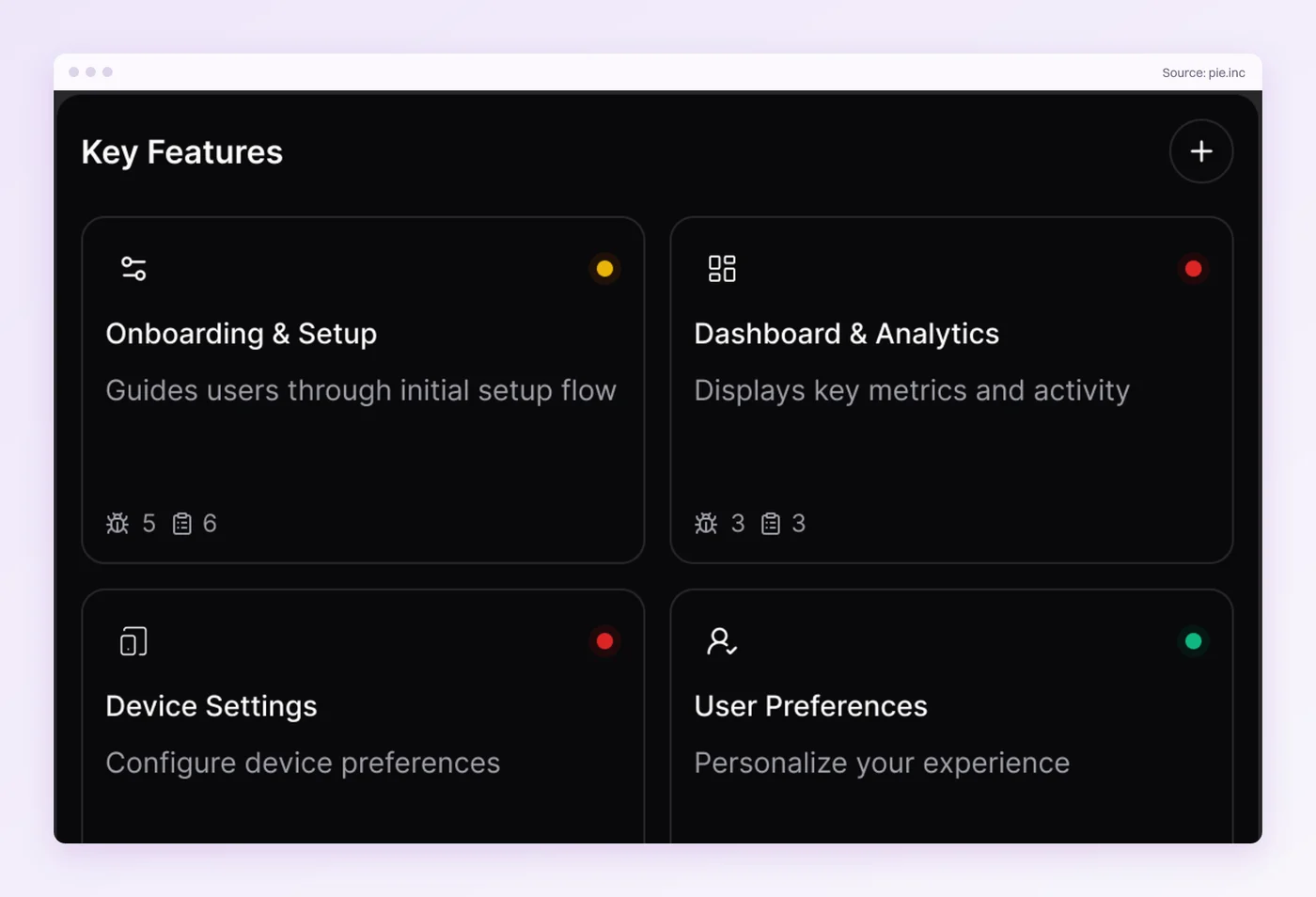
Look, the environment itself stays yours. We don’t deploy staging or build your app, and an agent reads stale data as faithfully as a person does. Keep the environment close to production and every result that comes back means what it says.
Before You Hit Rerun, Check the Environment
A flaky test has more than one cause, and the environment is usually the last one anyone checks. It’s also the one a rerun hides best, because the second run often lands on a different runner, different data and a different moment.
What works isn’t glamorous. Environments defined in code, rebuilt on demand, reset before every run, and checked against production instead of assumed to match it. A green build should be a promise, not a coincidence.
We built Pie to test apps the way your users meet them. Give it an environment worth trusting and it’ll show you what your users would have found.
Make Green Mean Green
Point Pie at your staging URL or build. Ship on results you can trust.
Book a demoFrequently Asked Questions
Yes. For a web app you give Pie a staging or preview URL and a test login. For iOS or Android you upload a build. Pie's agents explore the app visually in that environment.
Pie doesn't deploy the environment, so keeping it close to production stays with your team.
13 years building mobile infrastructure at Square, Facebook, and Instacart. Now building the QA platform he wished existed the whole time. LinkedIn →